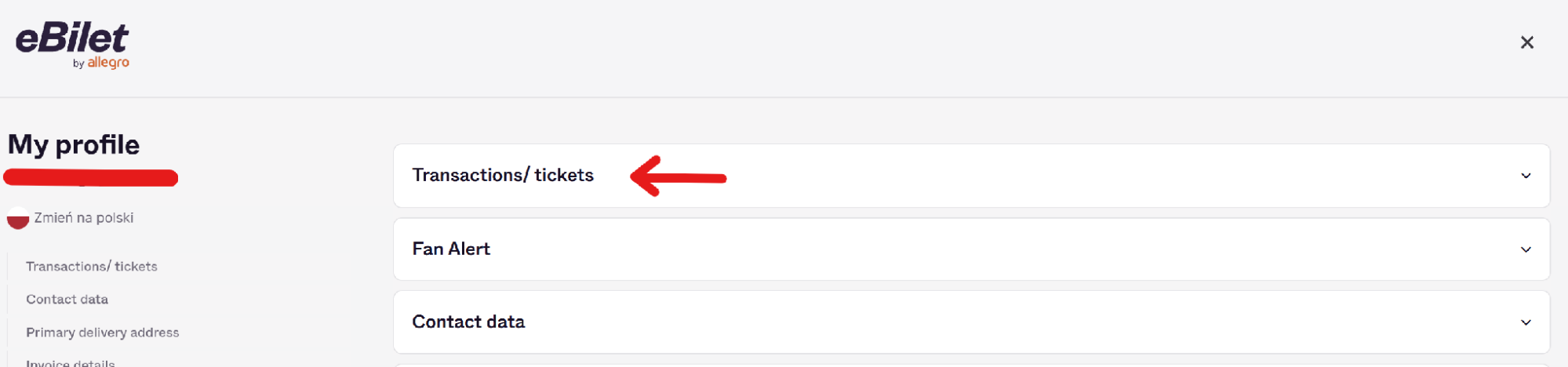
Workshop sign-up
To register for a Confitura workshop, you need your conference ticket 😊
The first step is to log in to your eBilet account using one of the available methods:
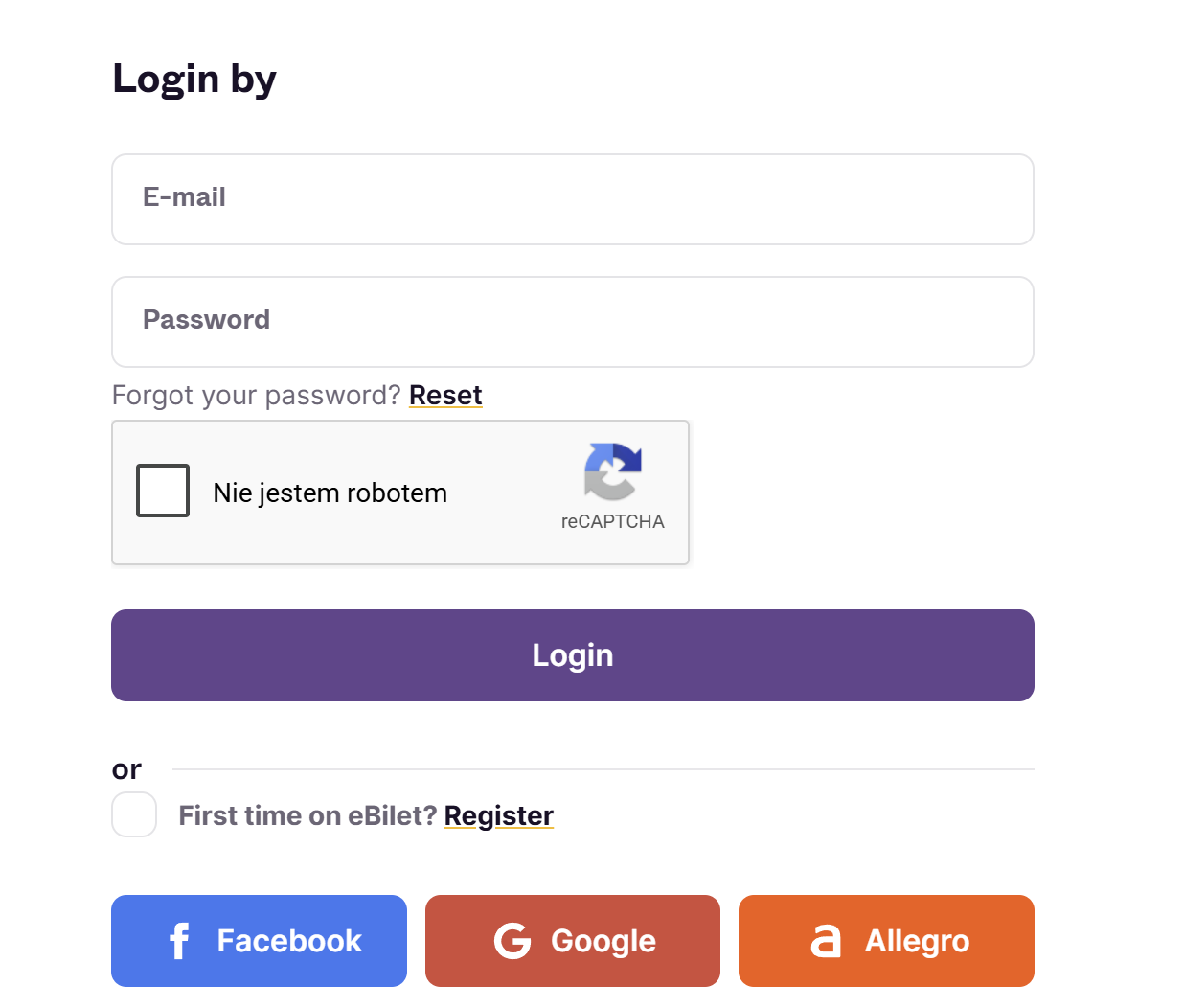
Next, go to the Confitura event page and open the workshop you’re interested in:
Select the number of tickets as 1:
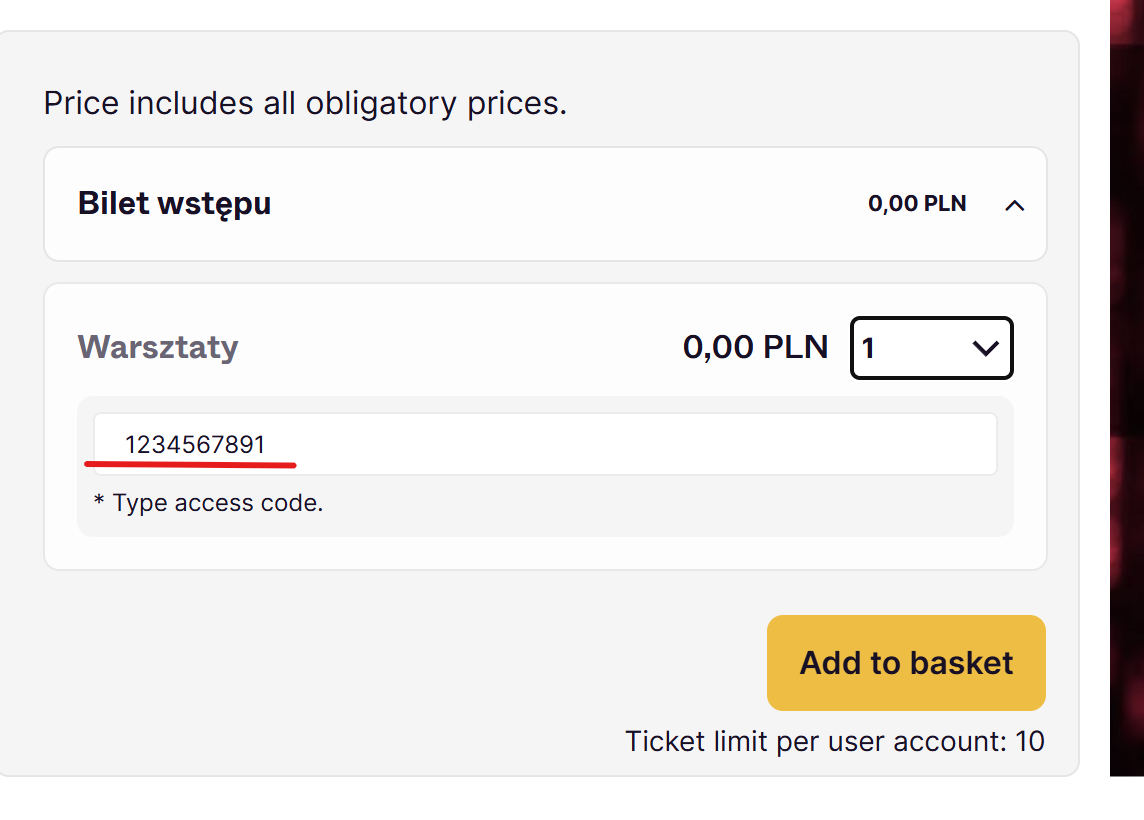
Then enter the Access Code, which is the ticket number located under the barcode:
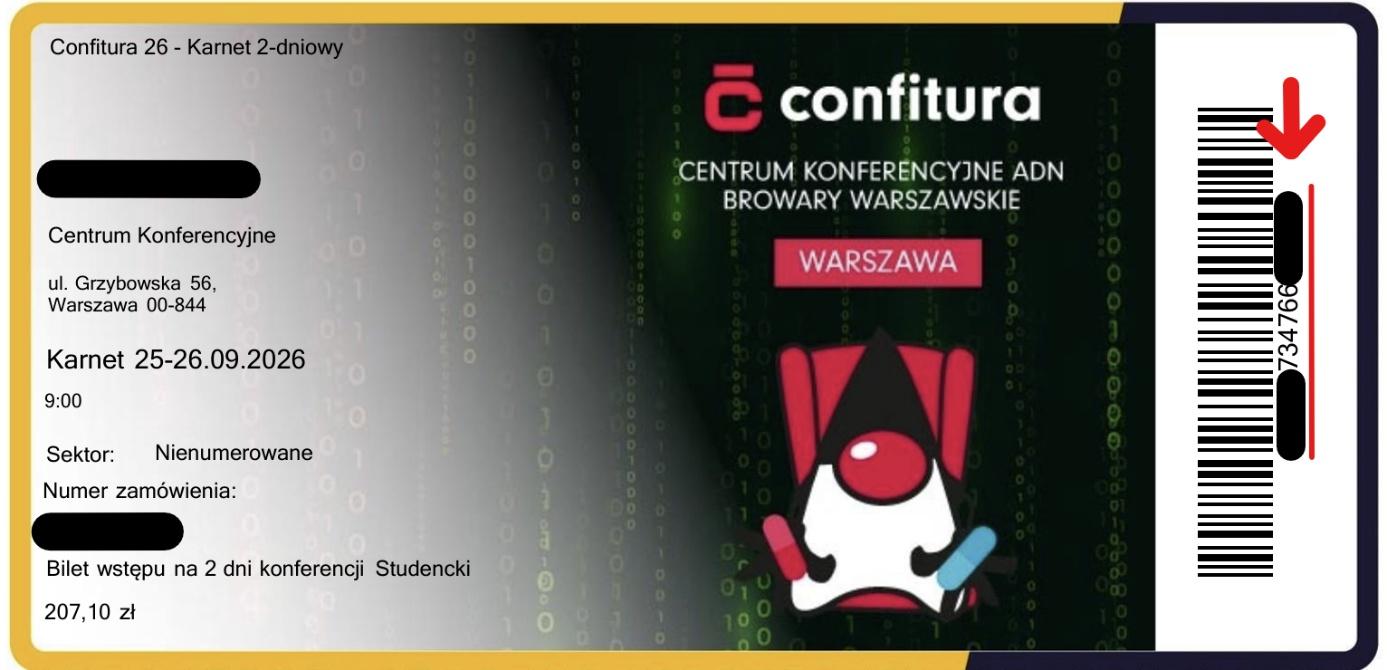
Click “Add to basket” and proceed through the checkout process by selecting “Buy 1 Ticket”:

Click “Next”:
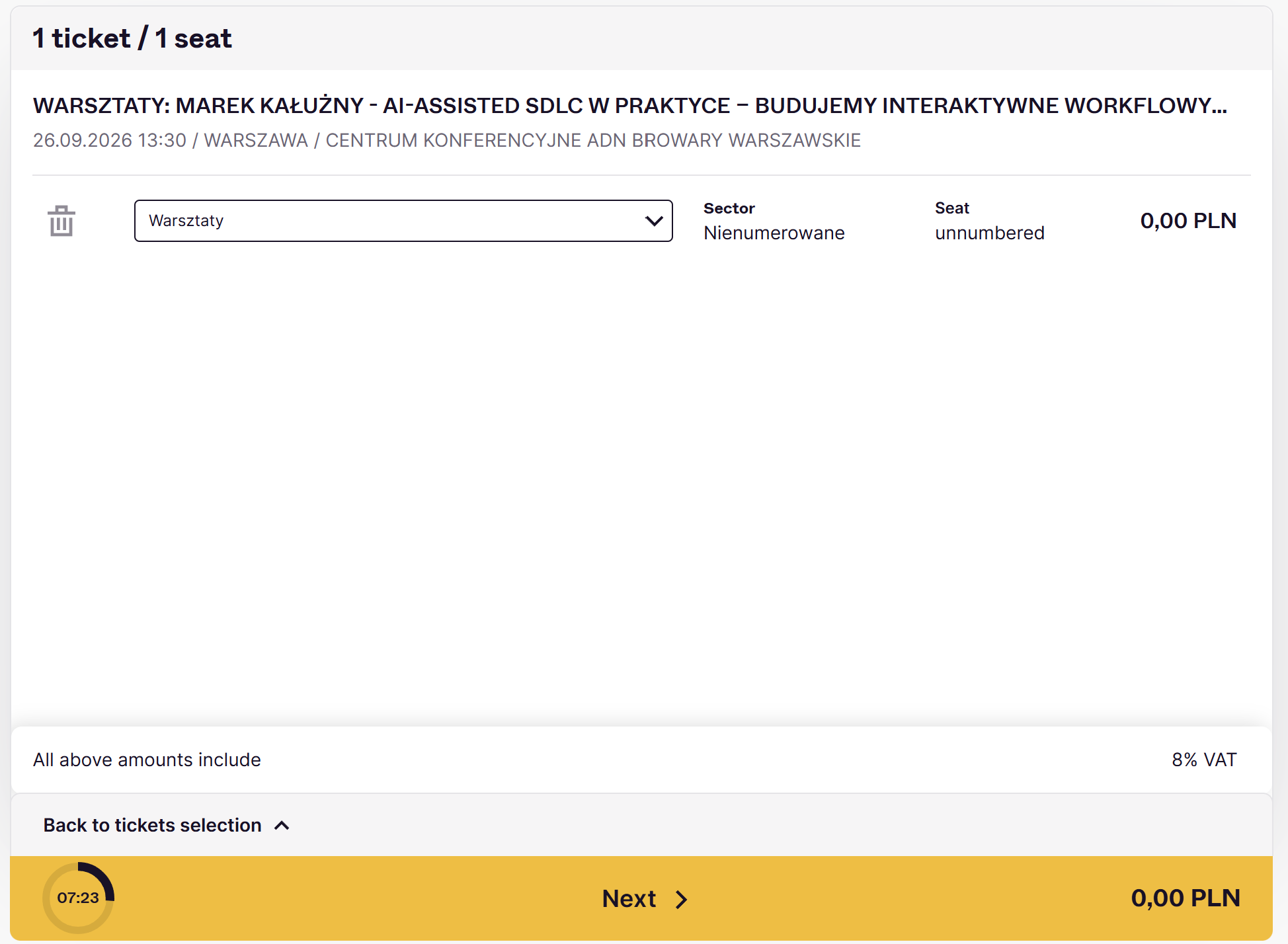
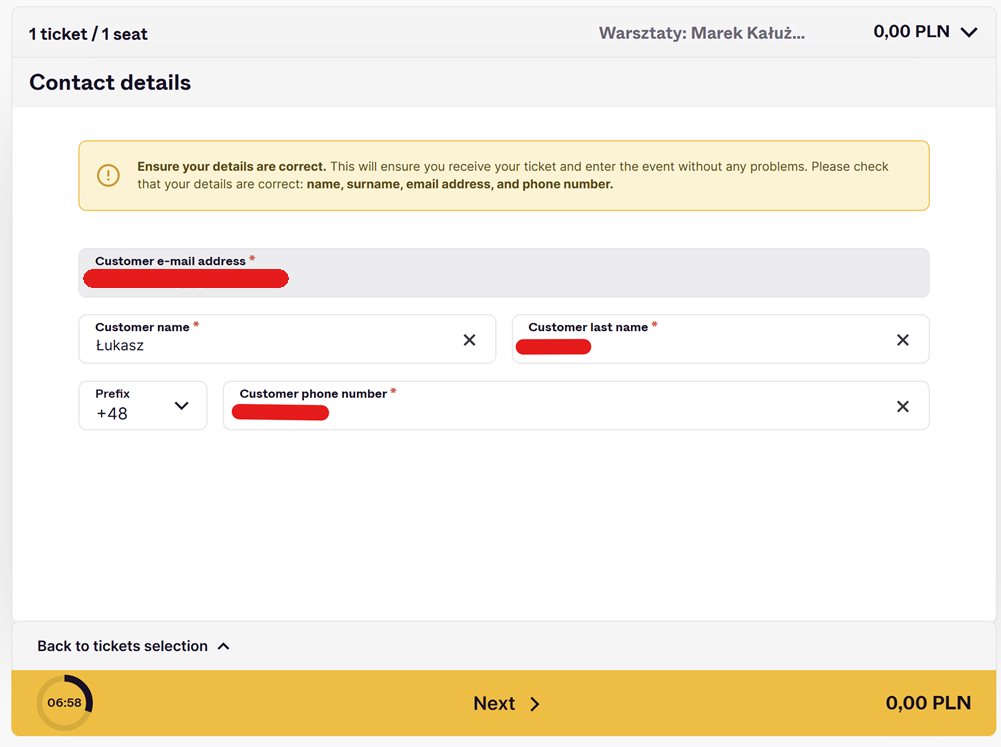
Provide your contact details and click “Next”:
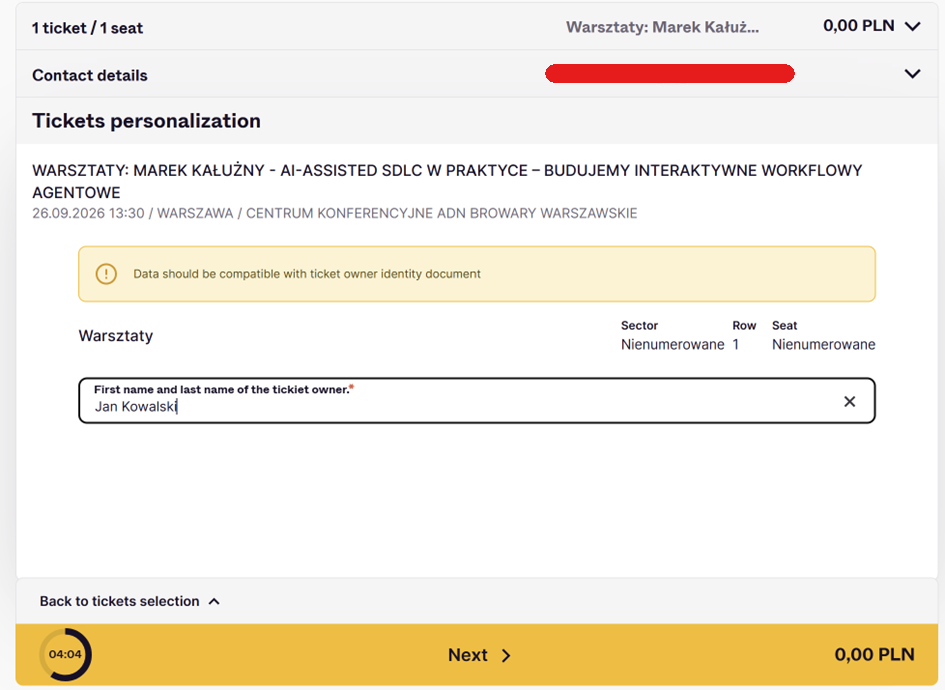
Enter the ticket holder’s information and click “Next”:
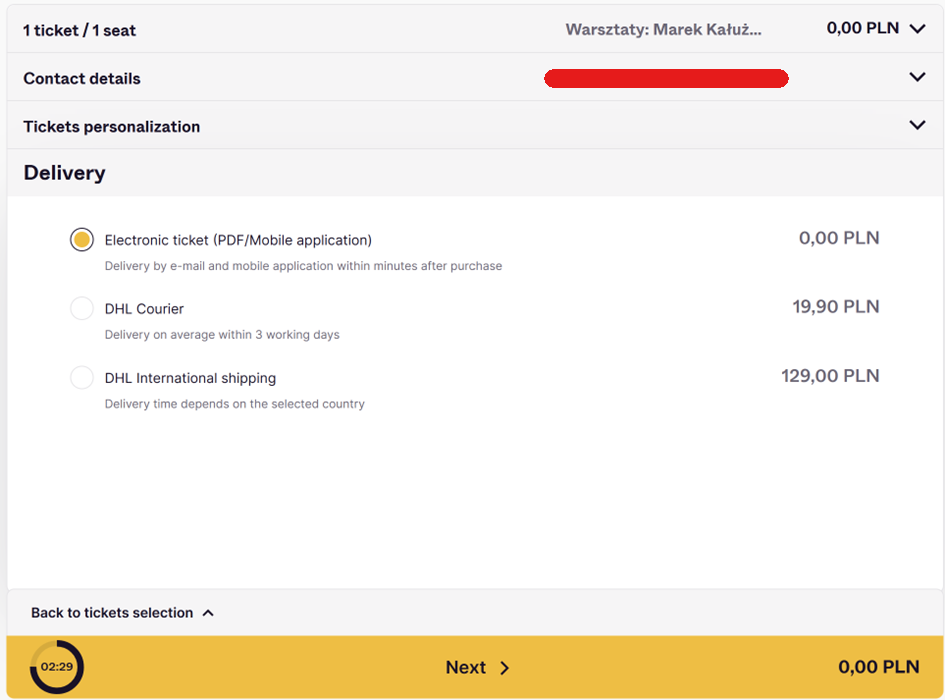
Choose “Electronic ticket” and click “Next”:
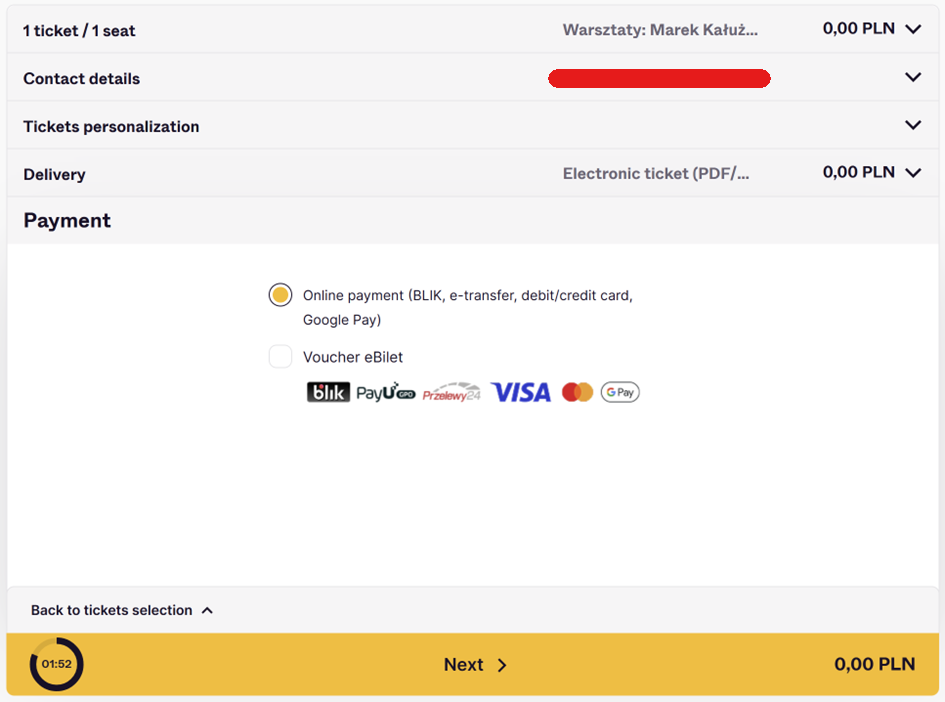
Select “Online payment” — since the cost is 0, no actual payment will occur — and click “Next”:
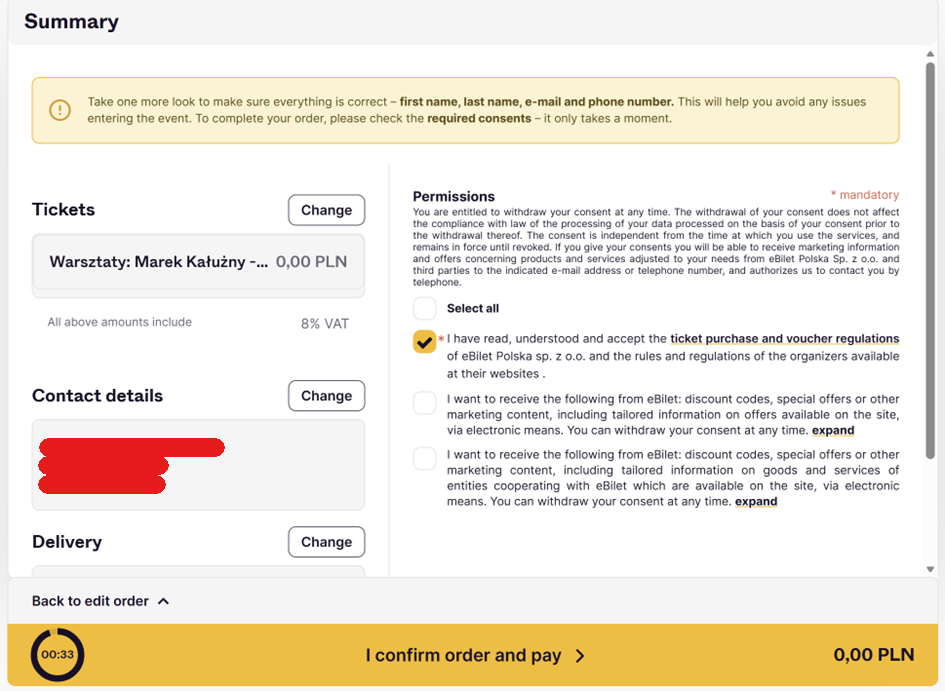
Accept the terms and conditions and click “I confirm order and pay”:
The ticket should arrive at the email address associated with your logged-in account. You can also find it in your user panel: